Reliability that pays for itself. Every hour your team spends investigating is an hour not building. RubixKube finds the root cause in minutes, so your engineers can get back to what matters.
forever
Start for freeNo credit card. No time limit.
- —1 environment
- —10 investigations a month
- —1 user
- —Incidents, RCAs and Fix tasks
- —Rubix in the console, the CLI and your AI tools
per month
- —Up to 3 environments
- —100 investigations, about $10 each
- —5 users
- —Everything in Individual
- —Rubix in Slack
- —Automations, hooks and webhooks
- —Your own model providers
- —Teams and custom integrations
annual contract
We'll scope it together.
- —Unlimited environments
- —Custom investigation volume
- —Up to 1,000 users
- —Everything in Business
- —Self-hosted deployment
- —Dedicated support and custom SLAs
- —Onboarding with our team
Return on investment
Team eng-hrs / week
Avg saved / incident
Mean time to understand
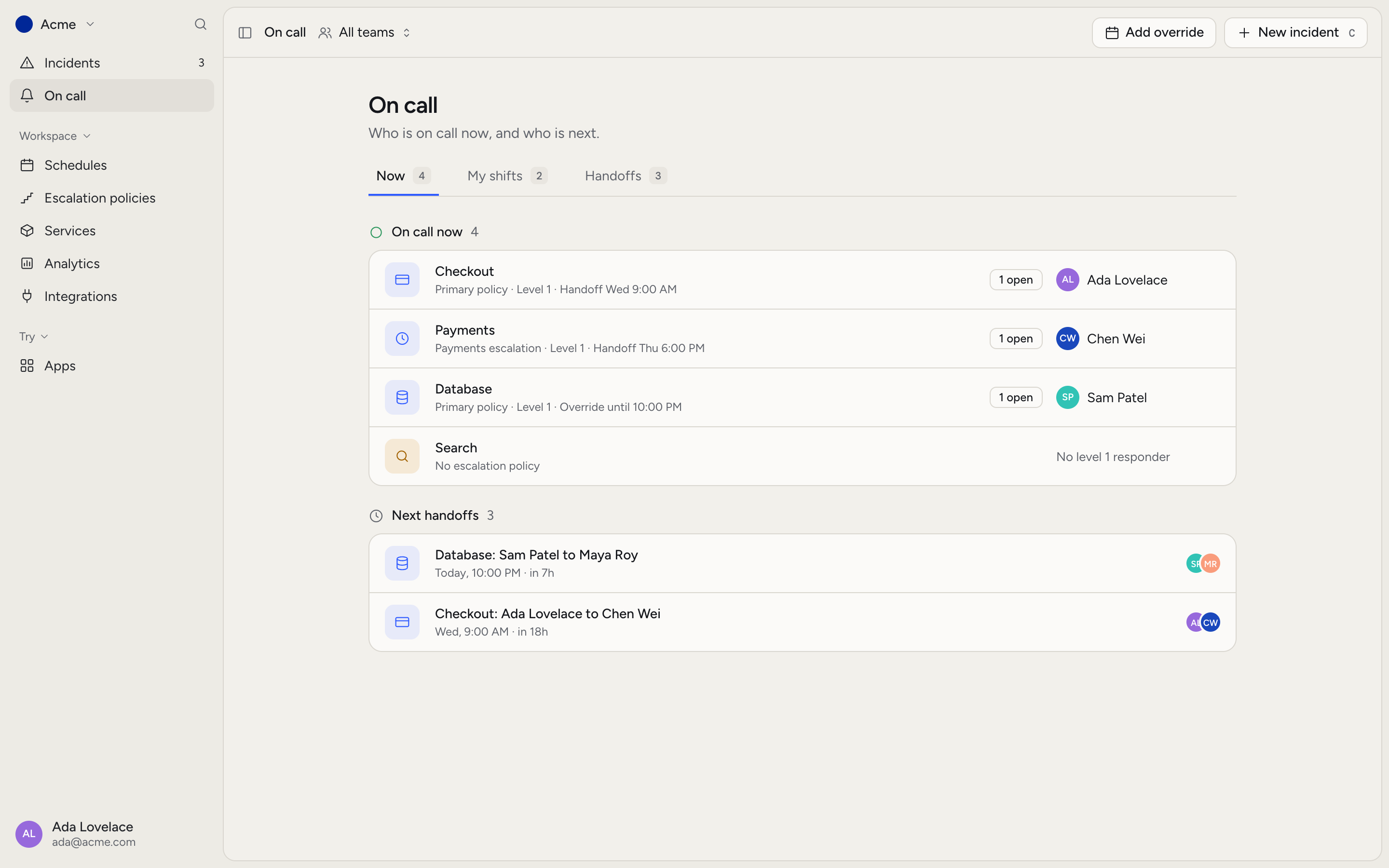
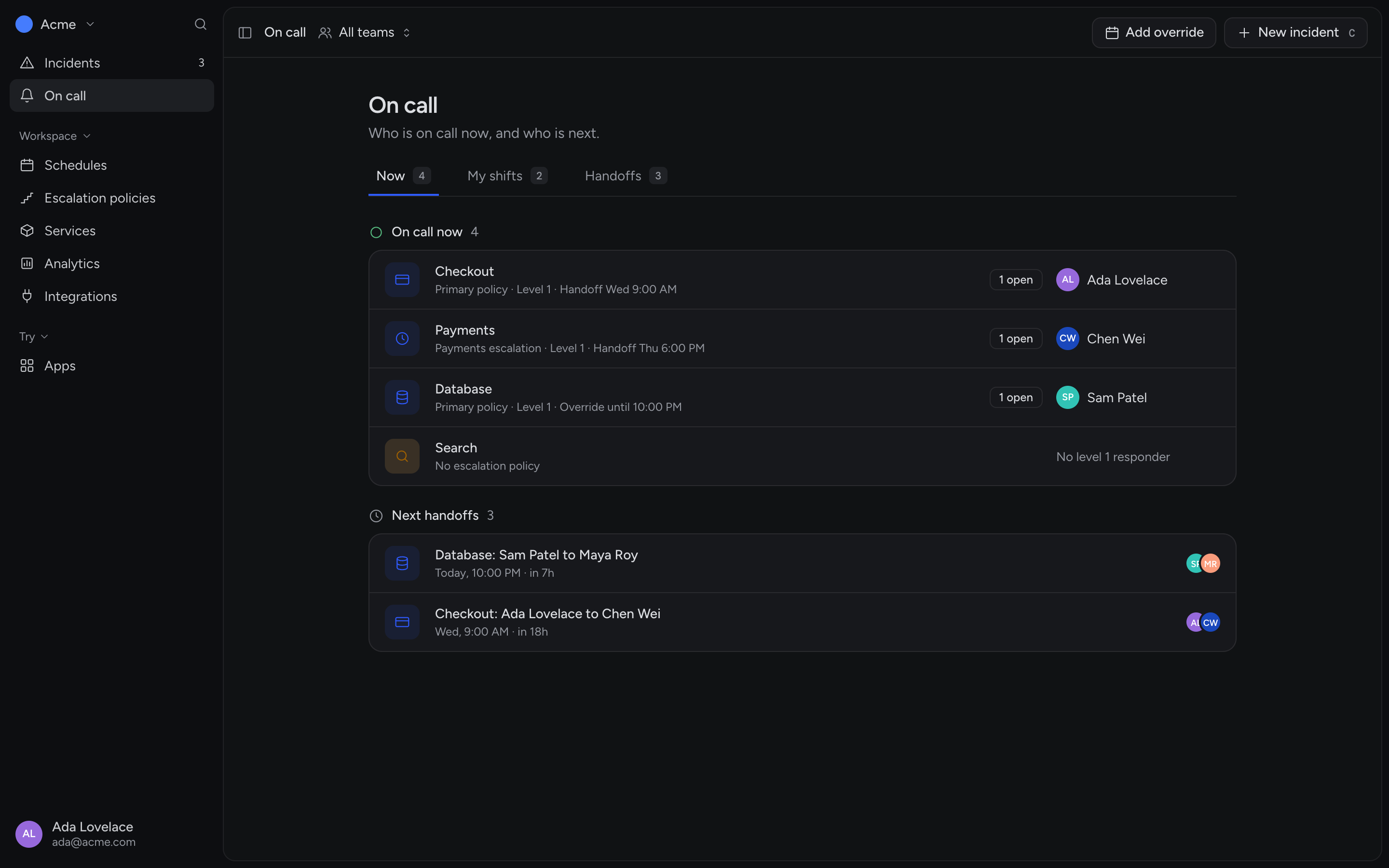
Add Hubble for on-call.
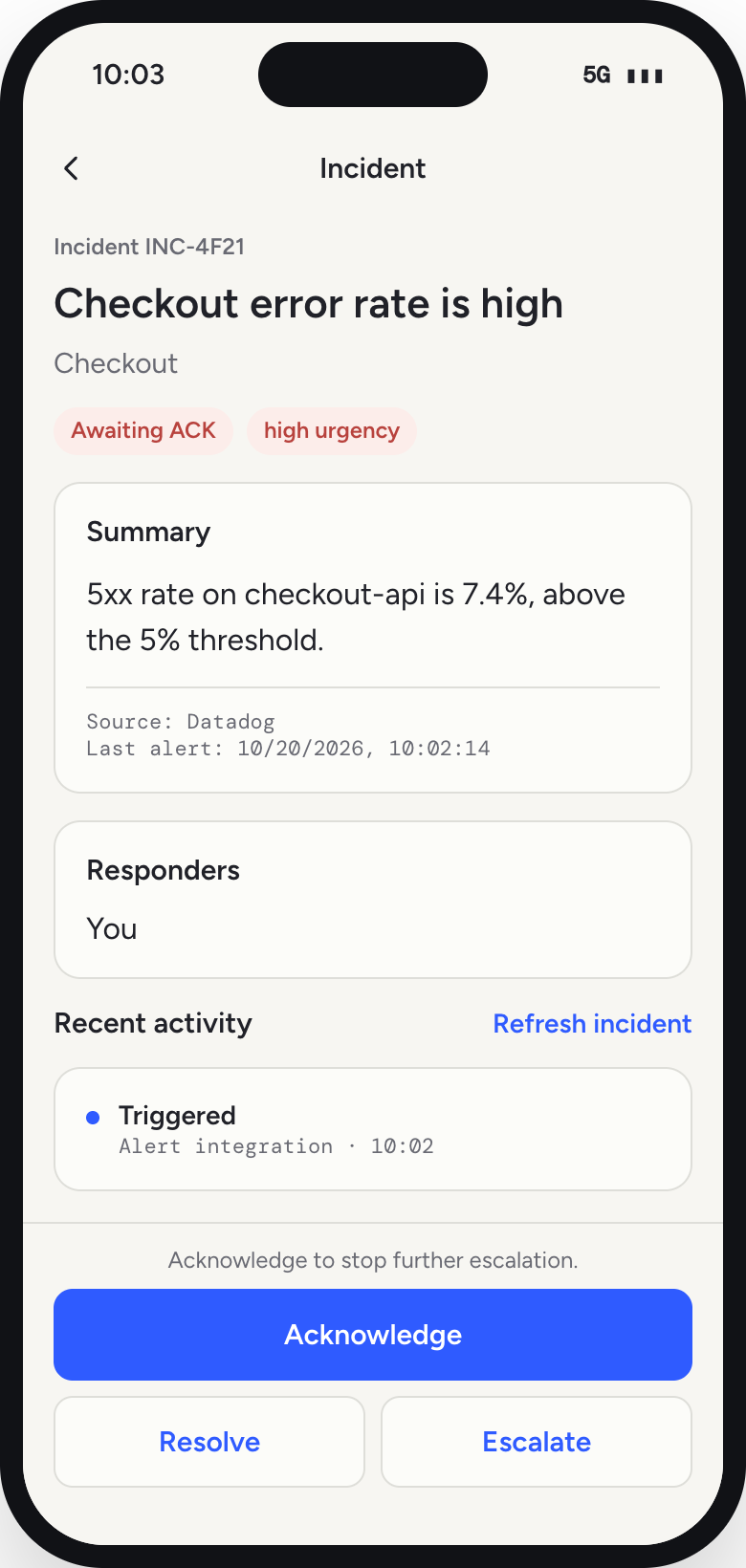
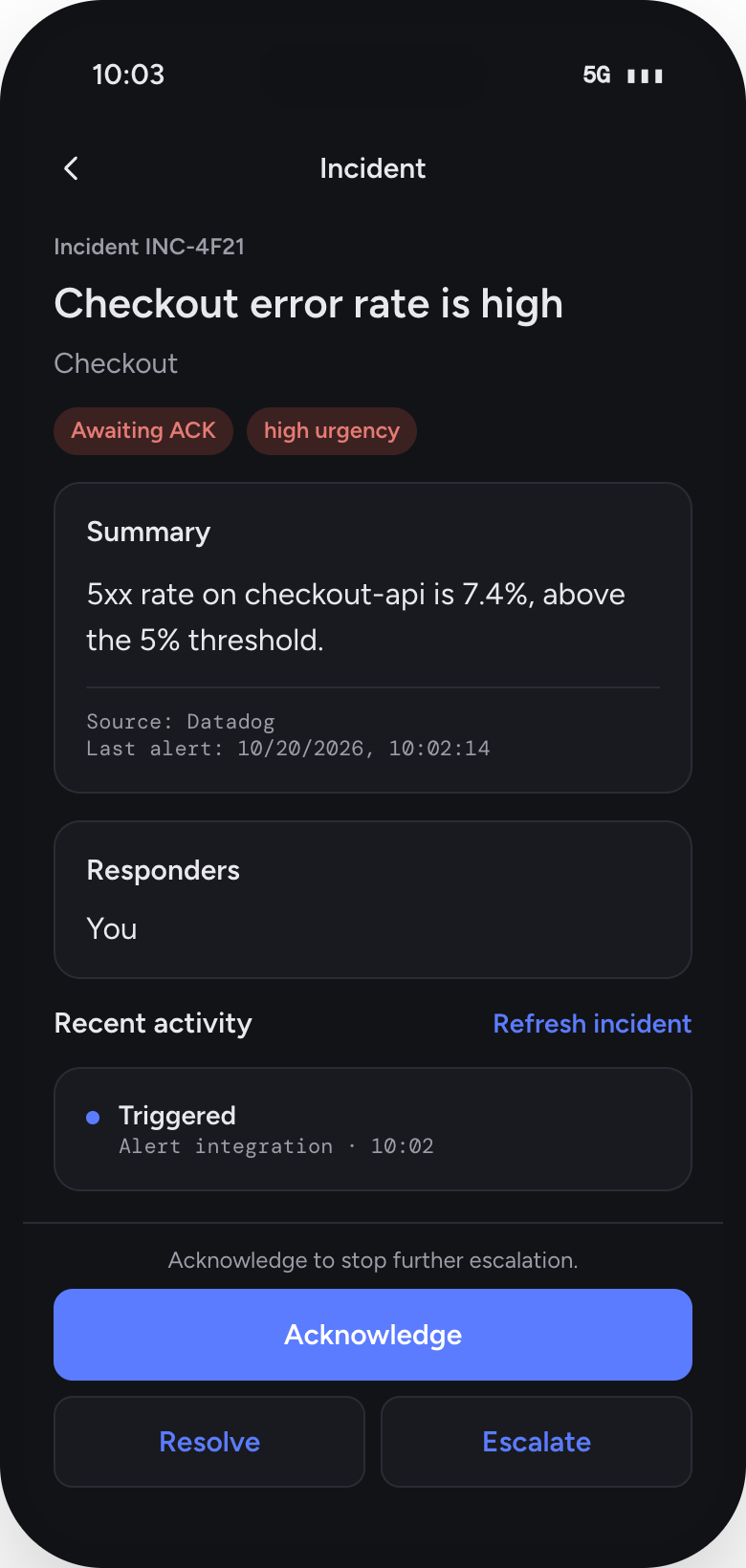
Rotations, escalation and paging on the web and on your phone. With RubixKube, the person on call gets the cause along with the page.
With any RubixKube plan, at half the price of Hubble on its own.
- —Rosters with rotations, layers and overrides
- —Escalation policies with timers
- —Phone app for iOS and Android
- —Every page arrives with Rubix's RCA attached
Frequently asked.
What is an investigation?
When something breaks, Rubix traces it back to the root cause and writes an RCA with the evidence and the fix. That is one investigation. Related alerts are grouped into one incident, so a burst of alerts is one investigation, not many.
What is an environment?
Each place your infrastructure runs: a Kubernetes cluster, an AWS account, a GCP project or a group of machines. Tools you connect, like Datadog or PagerDuty, do not count as environments.
What happens when I hit my investigation limit?
On Individual, new investigations pause until next month. On Business, talk to us. If you need more every month, Enterprise sets the volume to fit.
Can I use Hubble without RubixKube?
Yes. Hubble works on its own for on-call and paging. With a RubixKube plan it costs half as much per seat, and every page comes with the RCA from Rubix. See the Hubble page for its own plans.
Does RubixKube change my infrastructure?
Only as far as you allow. Rubix reads by default. It opens pull requests and makes changes through the tools you connect, within the mode you choose: Observe, Assist or Auto.